

Kitty
Copy pagekitty can be used as an alternative to tmux. Detected automatically via $KITTY_WINDOW_ID.
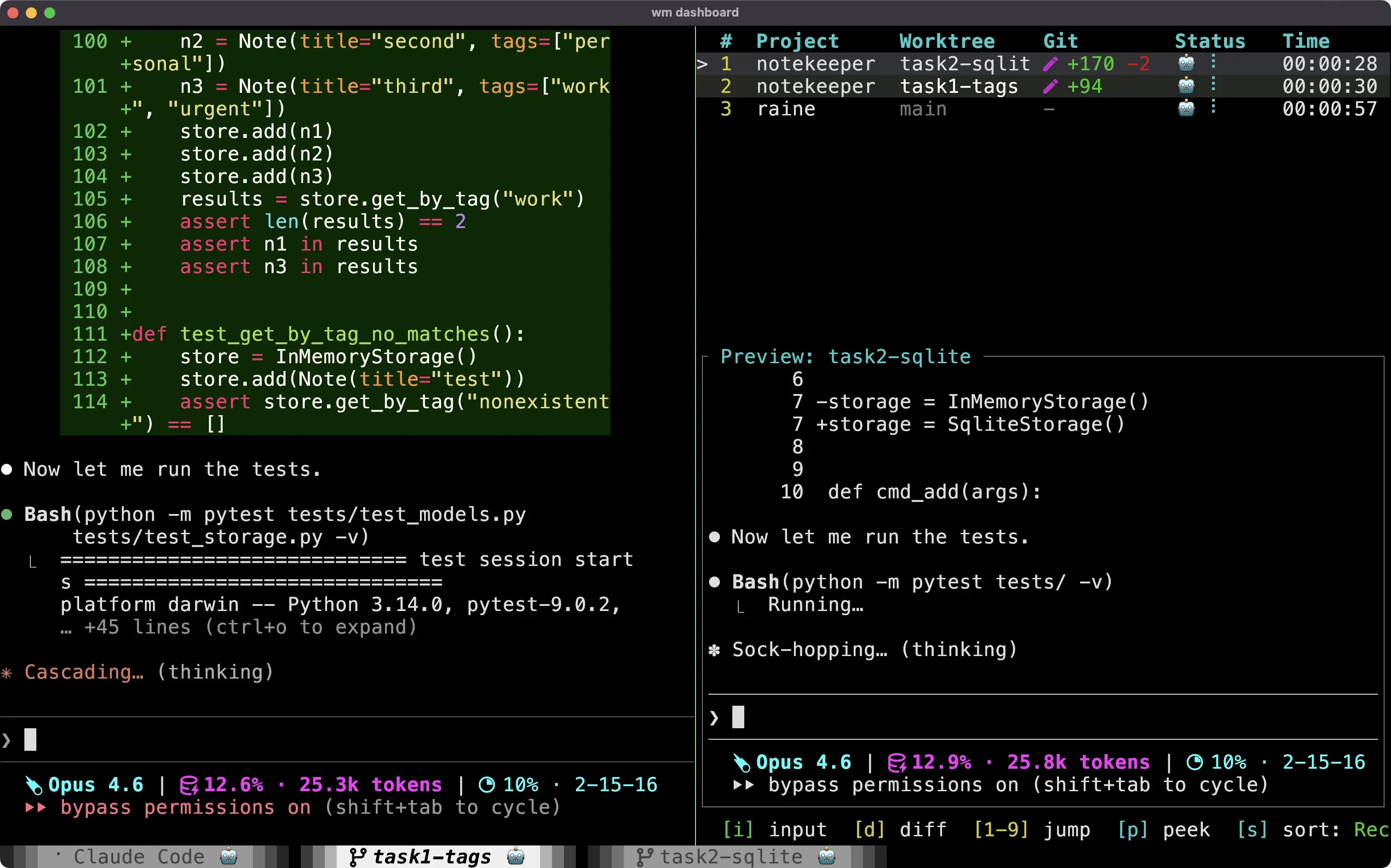
Differences from tmux
Section titled “Differences from tmux”| Feature | tmux | kitty |
|---|---|---|
| Agent status in tabs | Yes (window names) | Yes (custom tab title) |
| Pane sizing | Percentage or cells | Percentage with splits |
| Tab ordering | Insert after current | Appends to end |
| Scope | tmux session | OS window |
- Tab ordering: New tabs appear at the end of the tab bar (no “insert after” support like tmux)
- OS window isolation: workmux operates within the current OS window. Tabs in other OS windows are not affected.
- Pane sizing:
percentageuses Kitty’s split bias with thesplitslayout. Absolutesizevalues are unsupported because Kitty does not provide fixed-cell splits. - Terminology note: What workmux calls a “pane” is called a “window” in kitty, and what workmux calls a “window” (tab) is called a “tab” in kitty
Requirements
Section titled “Requirements”- kitty with remote control enabled (
kitten @must work) - Unix-like OS (named pipes for handshakes)
- Windows is not supported
- Required kitty configuration (see below)
Required kitty configuration
Section titled “Required kitty configuration”workmux relies on kitty’s remote control API. Add these settings to your kitty.conf:
# REQUIRED: Enable remote controlallow_remote_control yes
# REQUIRED: Set up socket for remote control# The socket path can be customized, but using kitty_pid ensures uniquenesslisten_on unix:/tmp/kitty-{kitty_pid}
# RECOMMENDED: Enable splits layout for pane splittingenabled_layouts splits,stack
Agent status display
Section titled “Agent status display”workmux stores agent status in kitty user variables (workmux_status), which can be displayed in tab titles using kitty’s {custom} template placeholder.
- Create
~/.config/kitty/tab_bar.py:
from kitty.fast_data_types import get_boss
def draw_title(data): tab = get_boss().tab_for_id(data['tab'].tab_id) if tab: for window in tab: status = window.user_vars.get('workmux_status', '') if status: return ' ' + status return ''- Create
~/.config/kitty/workmux_watcher.pyfor live status updates and auto-clear on focus:
from kitty.boss import Bossfrom kitty.window import Window

def on_focus_change(boss: Boss, window: Window, data: dict) -> None:    if not data.get('focused'):        return    if window.user_vars.get('workmux_auto_clear') == '1':        boss.call_remote_control(window, (            'set-user-vars', f'--match=id:{window.id}',            'workmux_status=', 'workmux_auto_clear=',        ))

def on_set_user_var(boss: Boss, window: Window, data: dict) -> None: if data.get('key') == 'workmux_status': tm = boss.os_window_map.get(window.os_window_id) if tm is not None: tm.update_tab_bar_data() tm.mark_tab_bar_dirty()- Add to your
kitty.conf:
tab_title_template "{title}{custom}"watcher workmux_watcher.pyThe {custom} placeholder calls the draw_title function, which checks each window in the tab for a workmux_status user variable and appends it to the title. The watcher refreshes the tab bar when status changes and auto-clears “waiting” and “done” statuses when the tab receives focus.
Known limitations
Section titled “Known limitations”- Windows is not supported (requires Unix-specific features)
- Agent status icons require a small config change (see above)
- Cross-OS-window operations are not supported
- Some edge cases may not be as thoroughly tested as the tmux backend
- Tab insertion ordering is not supported (new tabs always appear at the end)