

Sandbox
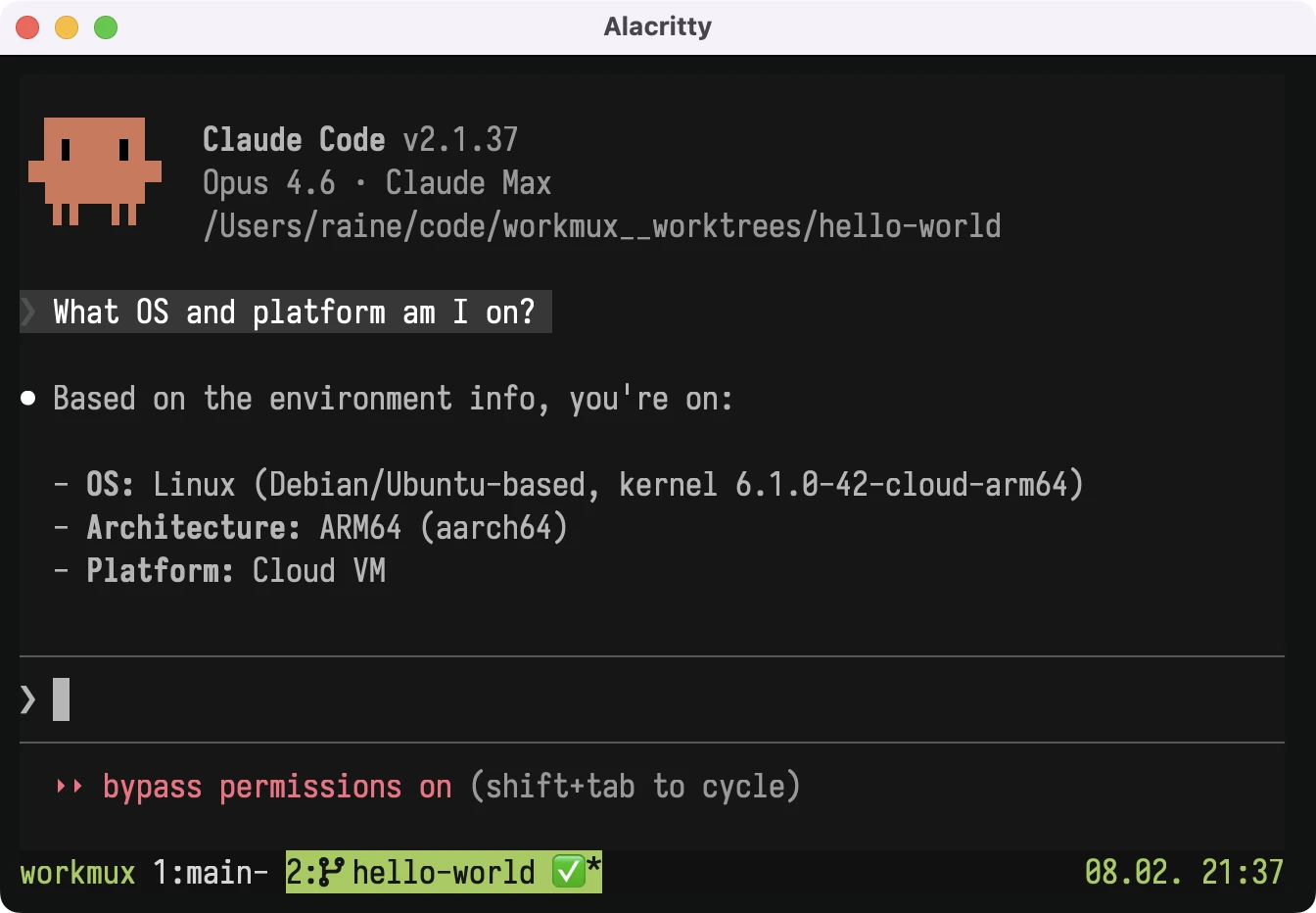
workmux provides first-class sandboxing for agents in containers or VMs. Agents are isolated from host secrets like SSH keys, AWS credentials, and other sensitive files. That makes YOLO mode safe to use without risking your host.
Status indicators, the dashboard, spawning agents, merging, and image pasting all work the same with or without a sandbox. A built-in RPC bridge keeps host-side workmux features in sync with agent activity inside the sandbox.
Security model
When sandbox is enabled, agents have access to:
- The current worktree directory (read-write)
- The main worktree directory (read-write, for symlink resolution like
CLAUDE.local.md) - The shared
.gitdirectory (read-write, for git operations) - Agent settings and credentials (see credentials)
Host secrets like SSH keys, AWS credentials, and GPG keys are not accessible. Additional directories can be mounted via extra_mounts.
Outbound network access can be restricted to only approved domains using network restrictions (container backend). When enabled, a CONNECT proxy and iptables firewall work together to block unauthorized connections and prevent access to internal networks.
Choosing a backend
workmux supports two sandboxing backends:
| Container (Docker/Podman/Apple Container) | Lima VM | |
|---|---|---|
| Isolation | Process-level (namespaces) or VM-level (Apple Container) | Machine-level (virtual machine) |
| Persistence | Ephemeral (new container per session) | Persistent (stateful VMs) |
| Toolchain | Custom Dockerfile or host commands | Built-in Nix & Devbox support |
| Credential model | Shared with host (see credentials) | Shared with host (see credentials) |
| Network | Optional restrictions (domain allowlist) | Unrestricted |
| Platform | macOS, Linux (Apple Container: macOS only) | macOS, Linux |
Container is a good default: it's simple to set up and ephemeral, so no state accumulates between sessions. Choose Lima if you want persistent VMs with built-in Nix/Devbox toolchain support.
Adding tools to the sandbox
Agents often need project tooling (compilers, linters, build tools) available inside the sandbox. There are several ways to provide this depending on your backend:
| Approach | Container | Lima | Details |
|---|---|---|---|
| Host commands | Yes | Yes | Proxy specific commands to the host via RPC. See host command proxying. |
| Nix / Devbox toolchain | No | Yes | Declare tools in devbox.json or flake.nix and they're available automatically. See toolchain. |
| Custom provisioning | No | Yes | Run a shell script at VM creation to install packages. See custom provisioning. |
| Custom Dockerfile | Yes | No | Build a custom container image with your tools baked in. See custom images. |
Quick start
Container backend
Install Docker, Podman, or Apple Container (macOS 26+, Apple Silicon), then enable in config:
# ~/.config/workmux/config.yaml or .workmux.yaml
sandbox:
  enabled: true
The pre-built image is pulled automatically on first run. See the container backend page for details.
Lima VM backend
Install Lima (brew install lima), then enable in config:
# ~/.config/workmux/config.yaml or .workmux.yaml
sandbox:
  enabled: true
  backend: lima
The VM is created and provisioned automatically on first run. See the Lima VM backend page for details.